
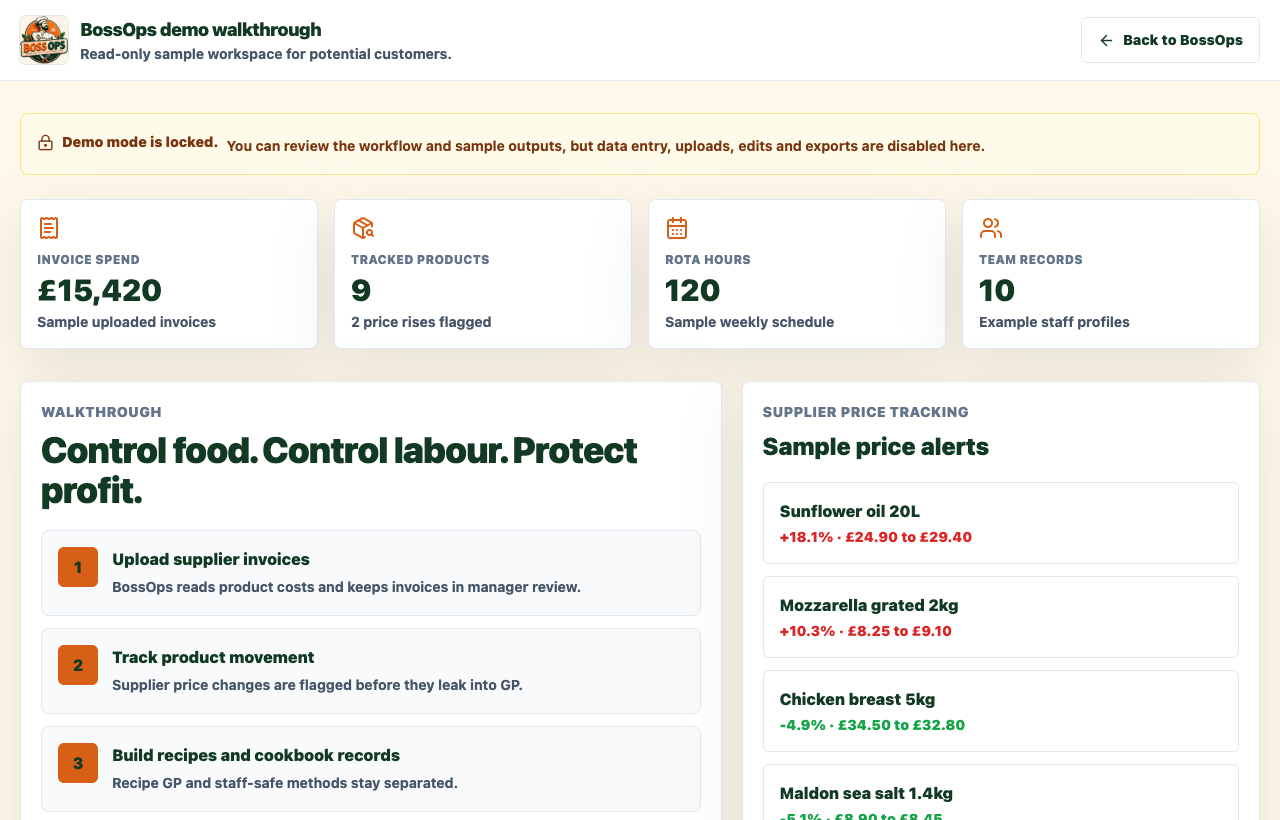
Demo dashboard
Features
BossOps connects practical shift routines with the records managers need, from supplier invoices and staff rotas to site-specific daily checks.
Demo dashboard
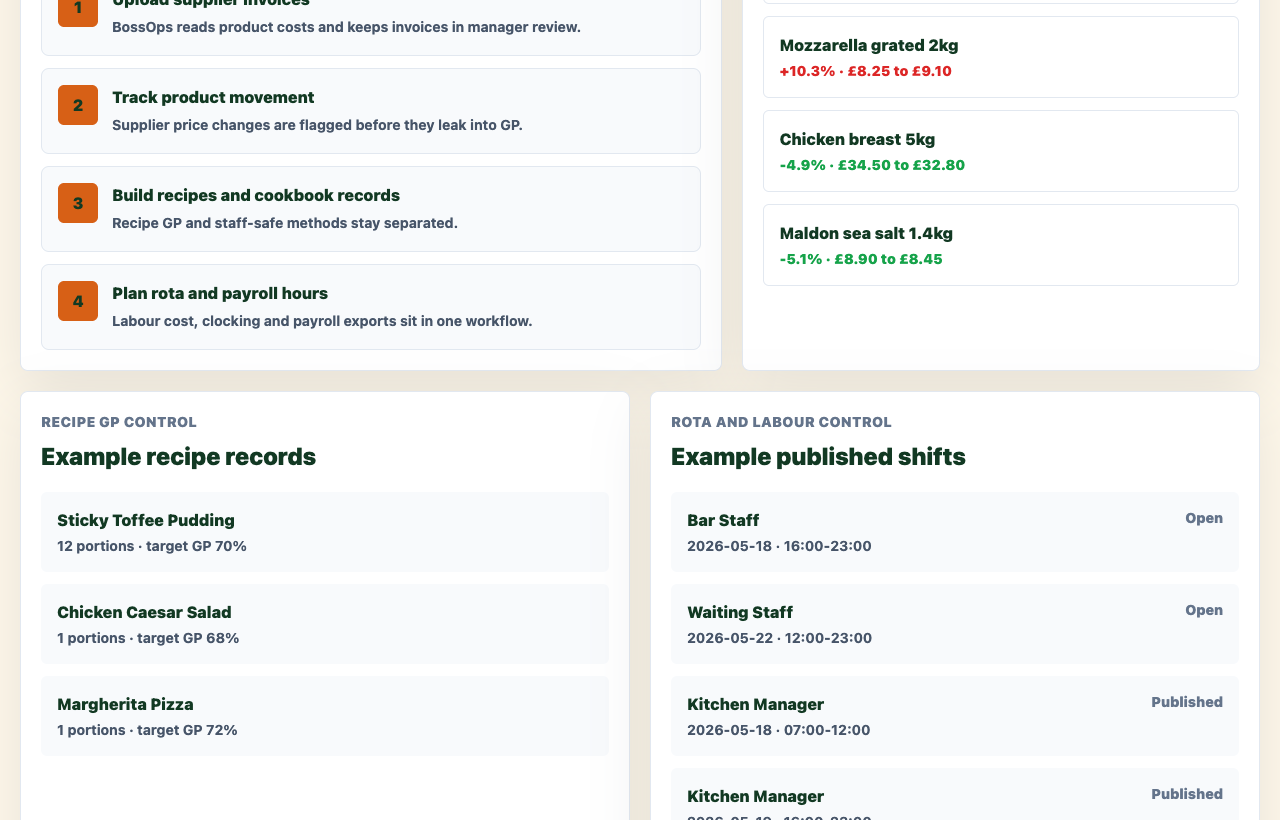
Invoice and price review
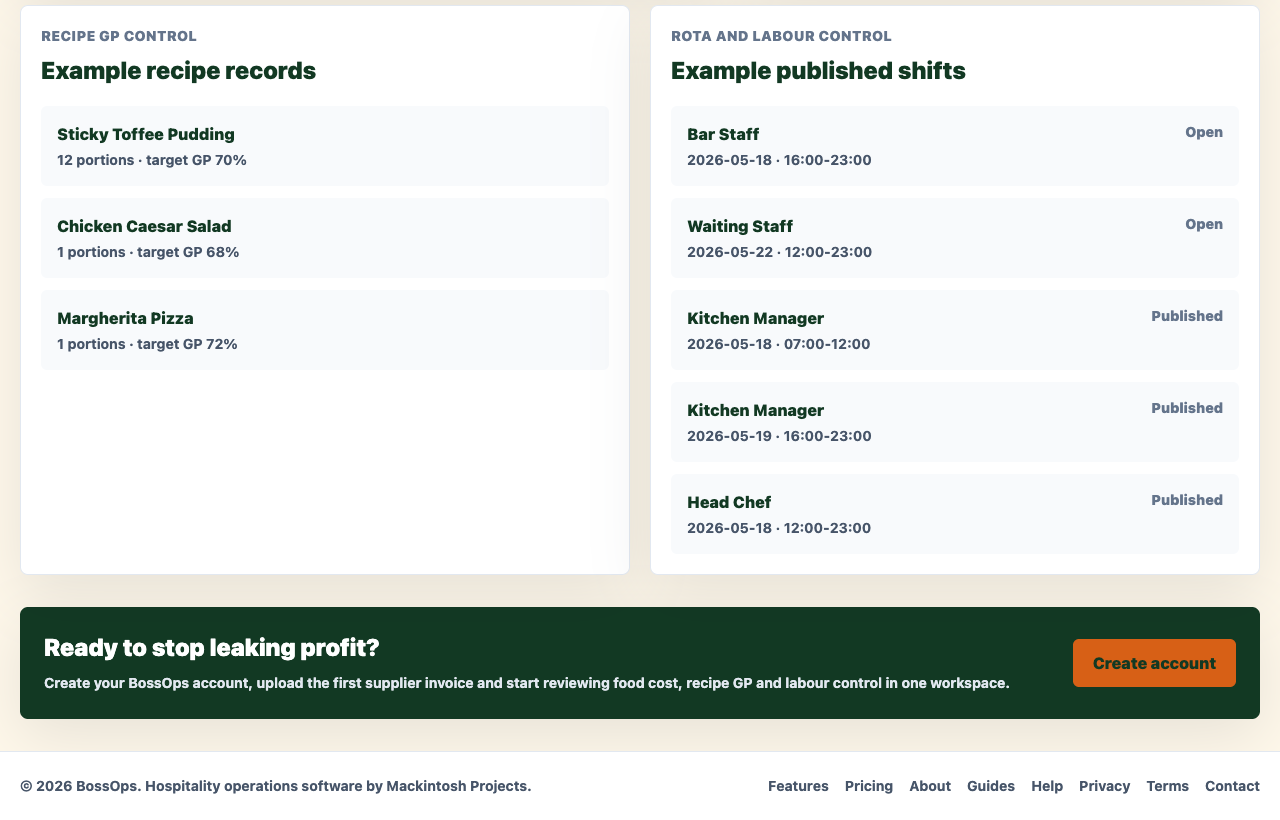
Recipe and rota examples
Daily compliance checks
Staff see the active checks relevant to their site and employee group—not a wall of unrelated tasks. When one assigned person completes a shared daily check, everyone assigned to that checklist sees it as done.
Managers can tailor checklists for each site, choose one or more responsible groups, configure cold-storage fields from the site’s equipment count, and review recorded issues, training, documents and risk assessments in the existing BossOps workspace.
Managers configure each site before checks are made available. Starter checklists are editable examples, not a substitute for site-approved procedures.
Upload supplier invoices, review extracted product lines, capture unit prices and spot supplier price movement before it damages gross profit.
Turn recipes into costed records, match ingredients to products, set target GP and keep cookbook methods separate from manager-only cost data.
Plan shifts, track leave, clock staff in and out, and keep payroll-ready labour records in the same system as food cost control.
Set up site-specific checks, log results and follow-up actions, and keep risk assessments, training and review dates together. Boss Ops supports your own food-safety system; it does not certify compliance.
See GP%, supplier price rises, labour hours, rota efficiency and review items that need manager action from one dashboard.
Step 1
Upload invoice
Step 2
Review AI extraction
Step 3
Match ingredients
Step 4
Track GP and labour
View the demo, then create the workspace when you are ready to upload the first invoice.